Need an Occasional VPN to Bypass Censorship or Change Your Location? Try Brave Browser’s Private Window with Tor
If you’re someone who occasionally needs a VPN—to access a restricted website, bypass government censorship, or simply appear as if you’re browsing from another location—there’s an easy, no-installation-required solution you might not be using yet: Brave Browser’s Private Window with Tor.
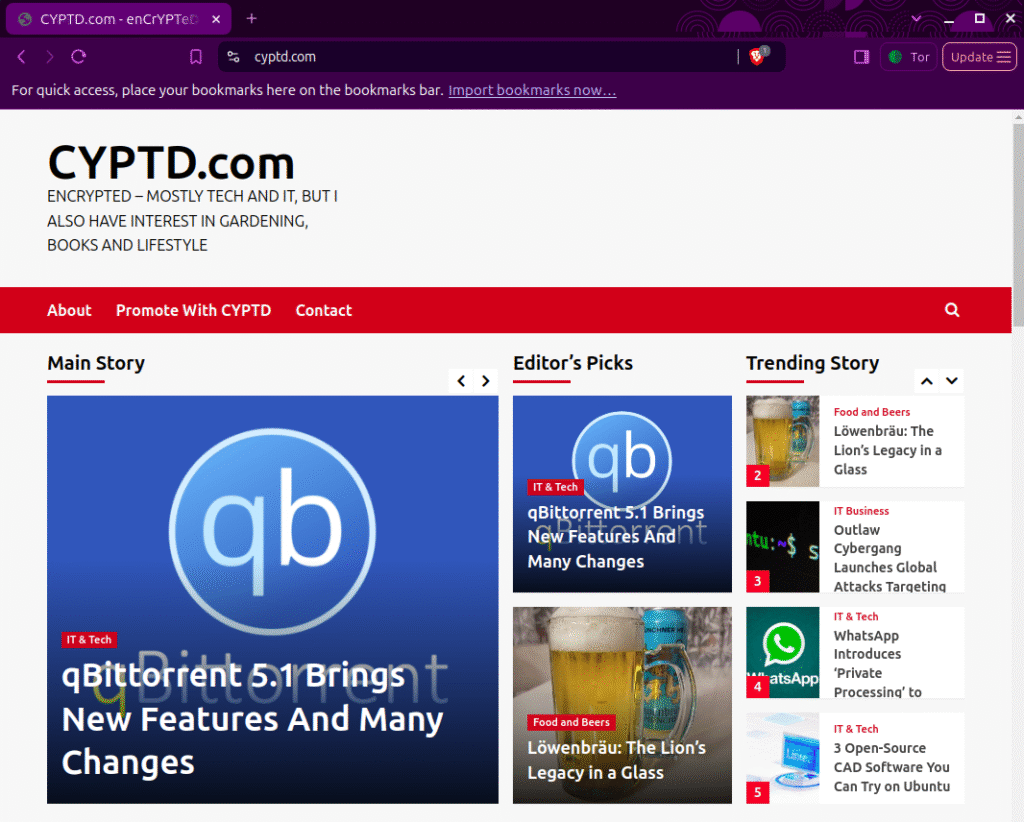
Brave is a privacy-focused browser that comes with built-in ad blocking, fingerprint protection, and advanced anti-tracking features. But one of its most underrated tools is its integration with the Tor network—available right from the File menu.
What is “Private Window with Tor”?
Unlike a regular private browsing window, which only hides your history from your local device, Brave’s Private Window with Tor routes your internet traffic through the Tor network. This means your IP address is hidden, and your online activity is anonymized through multiple encrypted relays—similar to what a VPN does, but decentralized and open-source.
It’s perfect for:
- Accessing geo-restricted or censored content
- Hiding your IP address from websites or ISPs
- Exploring sensitive topics without being tracked
How to Use It
It’s incredibly simple:
- Download and install Brave Browser
- Open the browser
- Click the menu (≡) or go to File > New Private Window with Tor
- That’s it—you’re now browsing through the Tor network
No configuration. No account. No subscription. Just instant privacy when you need it.
Is It a Full VPN Replacement?
Not exactly. Brave’s Tor window routes only your browsing traffic through Tor—not your entire device’s connection like a full VPN would. But for occasional use, it’s a lightweight, secure, and free alternative.
Whether you’re in a country with heavy censorship or just need a quick privacy boost, Brave’s Tor feature is one of the easiest ways to regain control of your internet access.


Useless. I wanted to appear as if I was in Belgium but that didn’t happen.